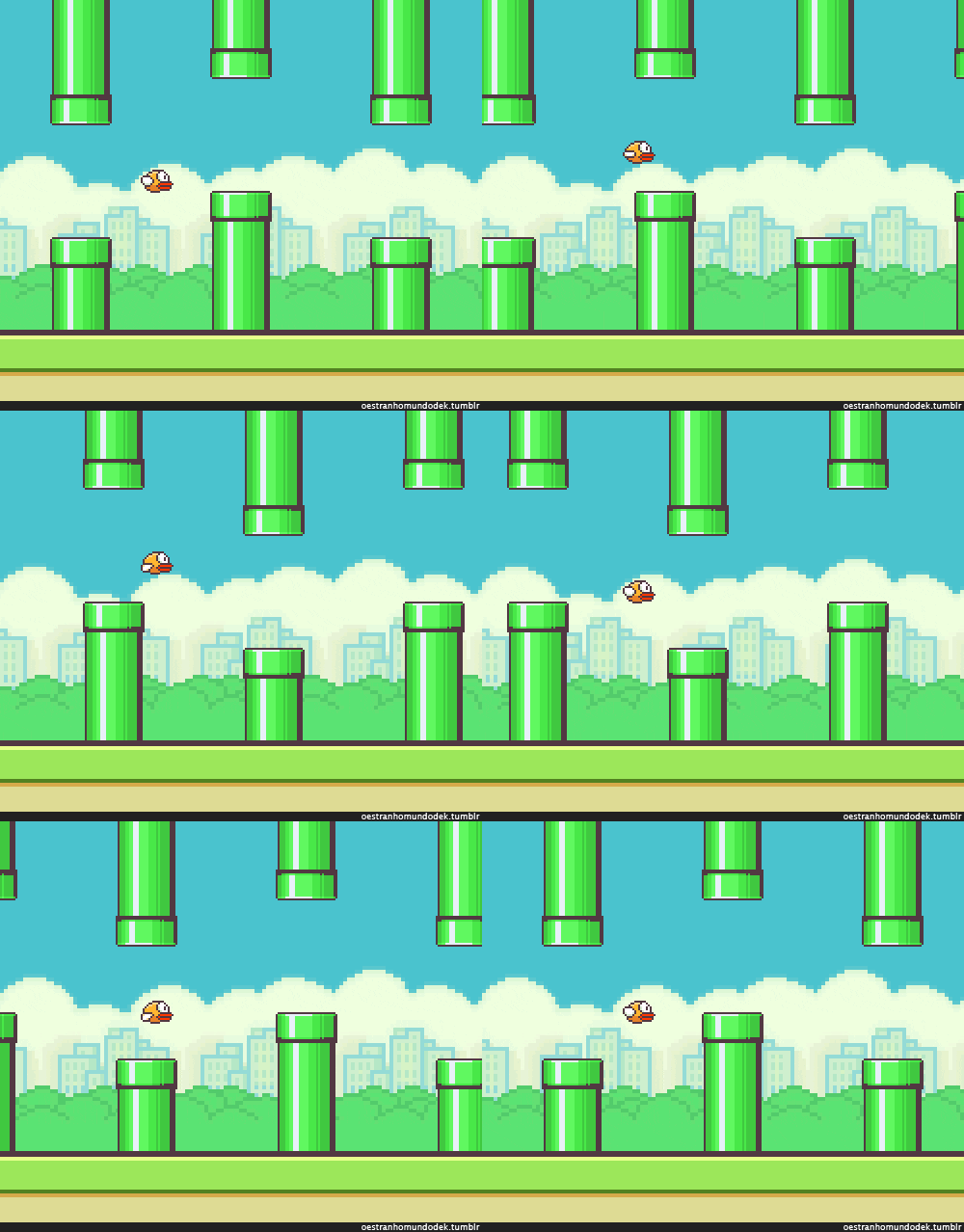
Smiley Bird is a web-based recreation of Flappy Bird, a game that took the mobile gaming world by storm back in 2014. I designed the interface with p5.js and also integrated the CLM face tracker so the player can control Flappy the Bird by smiling (or basically changing how wide their mouth is open).
The inspiration for this game came from a time in high school when my friends and I were all hooked on this frustrating game and would spend breaks in between classes trying to beat each other's high scores. Case in point, one of my best friends tweeted me this after I showed her a (very rough) demo of what I was making 😅

Thus, I thought it would be really fun to recreate the game for the web. Part of the reason I chose to work with CLM tracker instead of another augmented reality (AR) or motion tracking tool was also because you don't need any special hardware to play, just your computer's webcam—kind of like how we only needed a smartphone to enjoy the original game.
To tackle this project (especially since I was working alone), I started with breaking the components up into manageable pieces. I knew there would have to be start and end screens, and the actual game required a video to guide the player, Flappy herself, the moving pipes she has to pass through, as well as miscellaneous stuff that enhances the playing experience (for example, a scoring mechanism, lives counter, and even just a way to turn sounds off). I used the Face Tracking sample code from the last day of class to start the video from the player's webcam and create a guide tracking the different points of their lips. I then began building out the game interface by searching for pixel art assets for Flappy, the city background, and various icons. Before putting them in, I edited some of the colors using Pixel Art Maker to achieve a cohesive style to the game.

Object-oriented programming came in handy so I could implement and test the functionalities of Flappy and the moving pipes in an orderly fashion. With the Flappy class, I mostly struggled with controlling the bird's vertical movement using the player's smile. At first, I had a console statement that printed out my mouth opening, calculated using the difference of my upper and lower lips from CLM tracker, in order to determine the minimum and maximum values. I then used the map function to translate that into a speed that was added to Flappy's y-position and made it move up or down accordingly. However, I found that the resulting movement was a little slow. I realized a better approach would be to map the mouth opening to an actual y-position based on the height of the canvas. It took me quite a bit of fine-tuning to map to a smaller range of y-positions that I manipulated afterwards to make the movement smooth but still with the characteristic jitter present in the original game.

As for the Pipes class, my biggest challenge was figuring out when to add a new pipe. There was a point when my game always crashed upon starting; I initially thought it was because of the video or the transparency I was applying on certain assets, but later realized the crashes were caused by inadvertently adding so many pipes at once. To address this problem, I included checks to only add a new pipe if Flappy either passed or hit the current one.
Once I got the main game working smoothly, it was easy to focus on improving other aspects. I animated the start and end screens, which seems like such a small thing but I've always wanted to implement a sort of typewriter effect that I saw in my classmates' midterm projects so I was really excited about this.


I also created calibration screens before the player enters the main game. After asking some friends to play, I realized that I only developed the face tracking to the size of my own smile! Thus, instead of hardcoding the values for the minimum and maximum mouth openings, I use the values gathered from the player's calibration.


Overall, I'm really proud of this project! I love that this class taught me how insightful and straight-up fun it is to design art and games for the web, and I definitely want to continue building stuff like this in the future. Hope you enjoy playing!
Credits:
Pixel art from pixelartmaker.com
Background from hdqwalls.com
Sound effects from noiseforfun.com
Font from dafont.com